11 Tips for Using GrokBot
The 11 practical GrokBot workflows I use to run a team of agents across my business.
Updated August 30, 202612 min read

GrokBot is SpaceXAI's general agent platform. It is the best interface I have found for creating a team of agents, especially if you want something that is easy to set up.
Here are the 11 tips for using GrokBot that were the most useful for me and my team.
Create a Monitor the Situation Bot
This is the most useful bot I have. Its job is simple: keep a short list of live situations and tell me only when something materially changes.
- Create one dedicated bot and connect the places where updates actually happen, such as Slack, email, and your calendar.
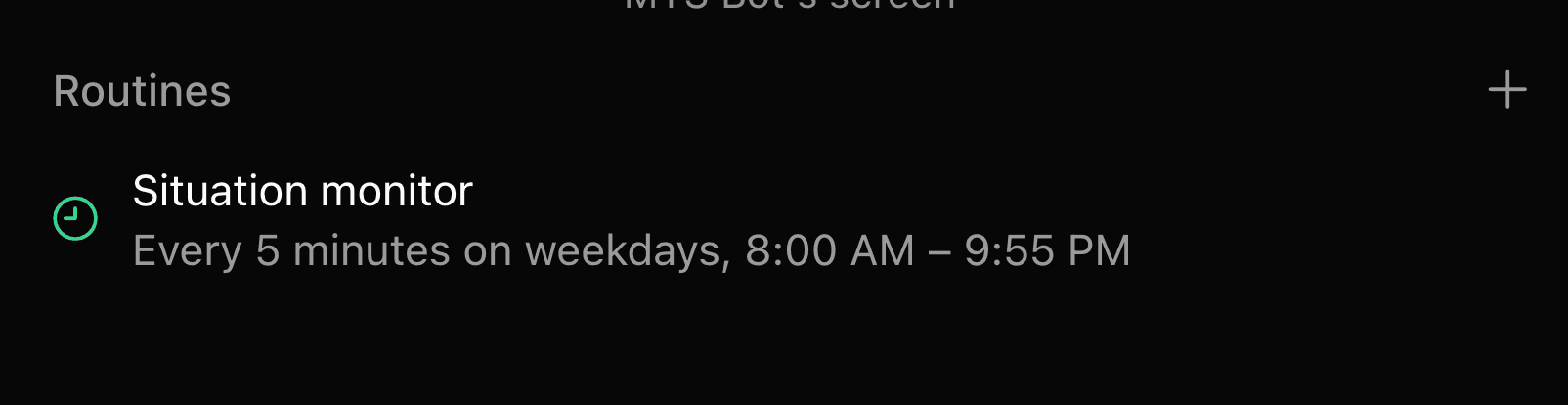
- Keep an active-situations list in the routine instructions, with one clear line for each project, deal, deadline, or decision you are waiting on.
- Run the routine every five minutes during working hours. If nothing changed, it should stay quiet.
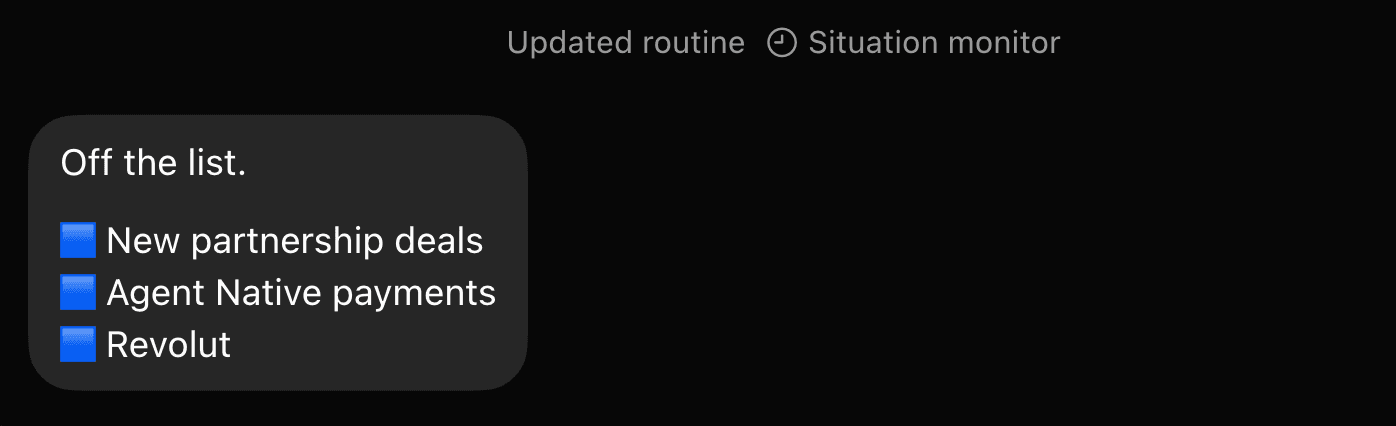
- Add or remove situations from any conversation by asking the current bot to brief the Monitor the Situation Bot. Every alert should explain what changed, why it matters, and what to do next.
Starter prompt
You are the Monitor the Situation Bot. Your job is to watch a short list of active situations and tell me only when something materially changes.

Run this routine every five minutes on weekdays.

Track these active situations:
- [SITUATION 1]
- [SITUATION 2]

Check Slack, email, and my calendar for meaningful changes. If nothing changed, do not notify me. If something changed, send me:
1. The situation name
2. What changed
3. Why it matters
4. The next action I should take

Include the complete active-situations list at the end of every update.
Give a Developer Bot Access to Cursor
GrokBot is great for general knowledge work, but longer development tasks belong in a coding-first environment. My developer bot delegates the work to Cursor and brings back something I can actually review.
- Give the bot the repository, the outcome you want, the visual direction, and any constraints that cannot change.
- Have it create a new branch so the experiment cannot affect production.
- Ask it to build and run the app, test the change, and capture desktop and mobile screenshots.
- Review the screenshots and pull request before anything is merged. You can manage the whole handoff from your phone and open Cursor only when you need a closer look.
Starter prompt
You are the Developer Bot. Your job is to take software projects, delegate the work to Cursor, and bring back something I can review.

Delegate this project to Cursor:

Repository: [REPOSITORY]
Goal: [WHAT YOU WANT BUILT]
Design direction: [STYLE OR REFERENCE]
Do not change: [CONSTRAINTS]

Create a new branch. Build and run the app, test the important flows, and send me desktop and mobile screenshots. Open a pull request with a concise summary of what changed. Do not merge or deploy anything until I approve it.